

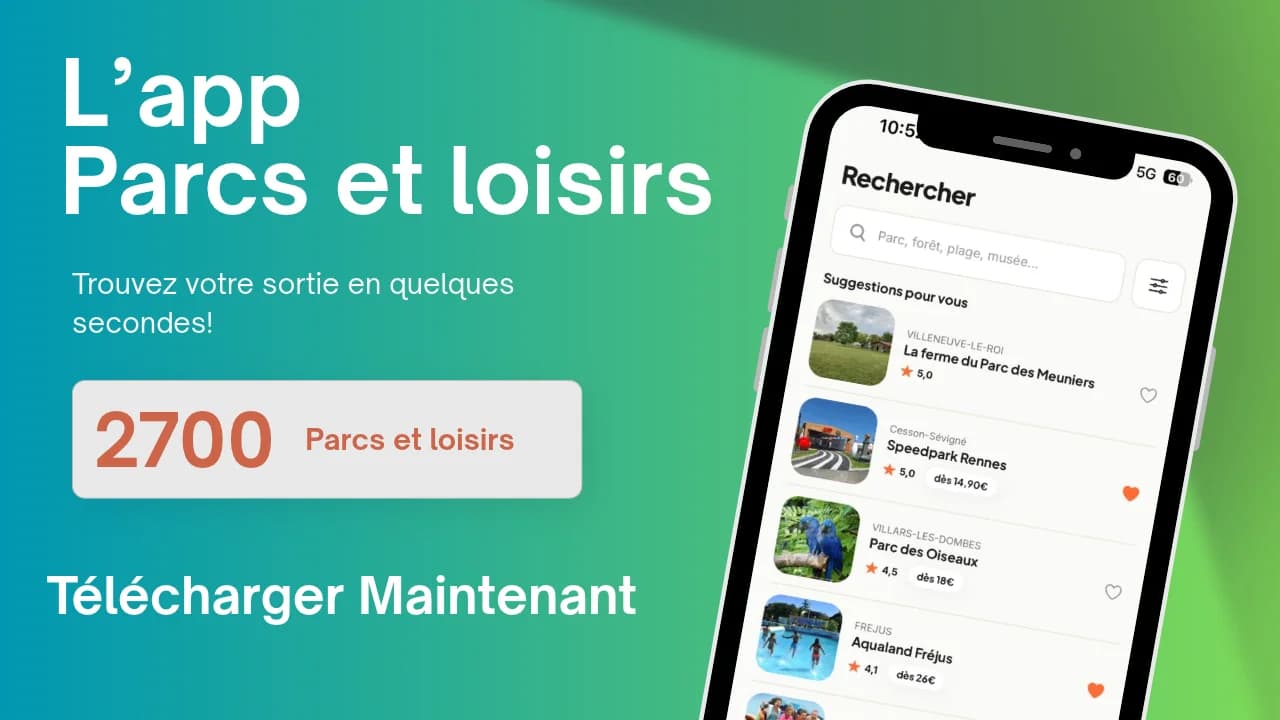
You're in a motorway service station car park, the kids are getting restless in the back seat, and you're after something to do within thirty minutes' drive. That's exactly the moment we built the Parcs & Loisirs app for. It's just landed on the App Store and Google Play, and it's free.
What the Parcs & Loisirs app actually does
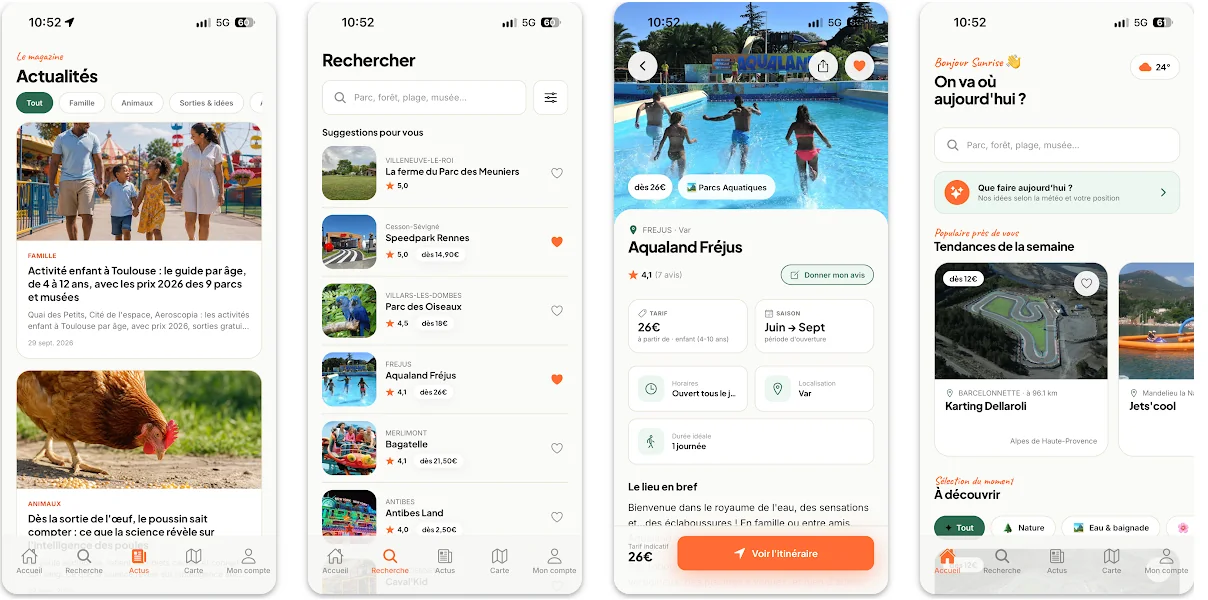
The Parcs & Loisirs app brings together more than 2,700 parks and leisure activities across France: theme parks, zoos, aquariums and plenty of other days-out venues. It's free to download, and the App Store listing shows no in-app purchases. Filter by category, department or town, and in a few seconds you'll find what's open near you.
"Nearby": the day out you decide on the spot
This is the feature that settles "what shall we do?" in under a minute. Turn on location, and the app ranks parks by distance, with opening times and prices right in front of you. No more juggling ten tabs to check whether the zoo down the road is still open at 4pm.
On holiday, it's the habit that changes everything. You're exploring a region you don't know at all, and the app shows you what's twenty minutes from where you're staying. Handy over the autumn half-term break, when our 10 ideas for half-term days out give you the urge and the app gives you the address.
Everything you need before you go, all in one place
Every listing covers what we've been doing since 2009: opening times, prices, facilities, access, a park map, nearby hotels. And above all forecast crowd levels, the same ones you already check on pages like Disneyland Paris crowd levels or Parc Astérix crowd levels. Picking the right day is still the best way to spend less time queuing.
Your favourite parks go straight into your favourites list. They follow you from one device to another: spotted on your computer in the evening, found again on your phone the next morning.
Reviews from real families, checked before publication
You can read other visitors' reviews, and post your own with photos. Every review is checked before publication. Our approach hasn't changed: genuine feedback from one family to another, on the right age, how long a visit actually takes, and the best time to go.
Your ticket in your pocket, even with no signal
For partner parks, you can book your tickets directly in the app. They stay accessible offline at the entrance. On the busiest days, the network often struggles right by the turnstiles: your ticket, though, still shows up.
The Mag, for weeks when you're out of ideas
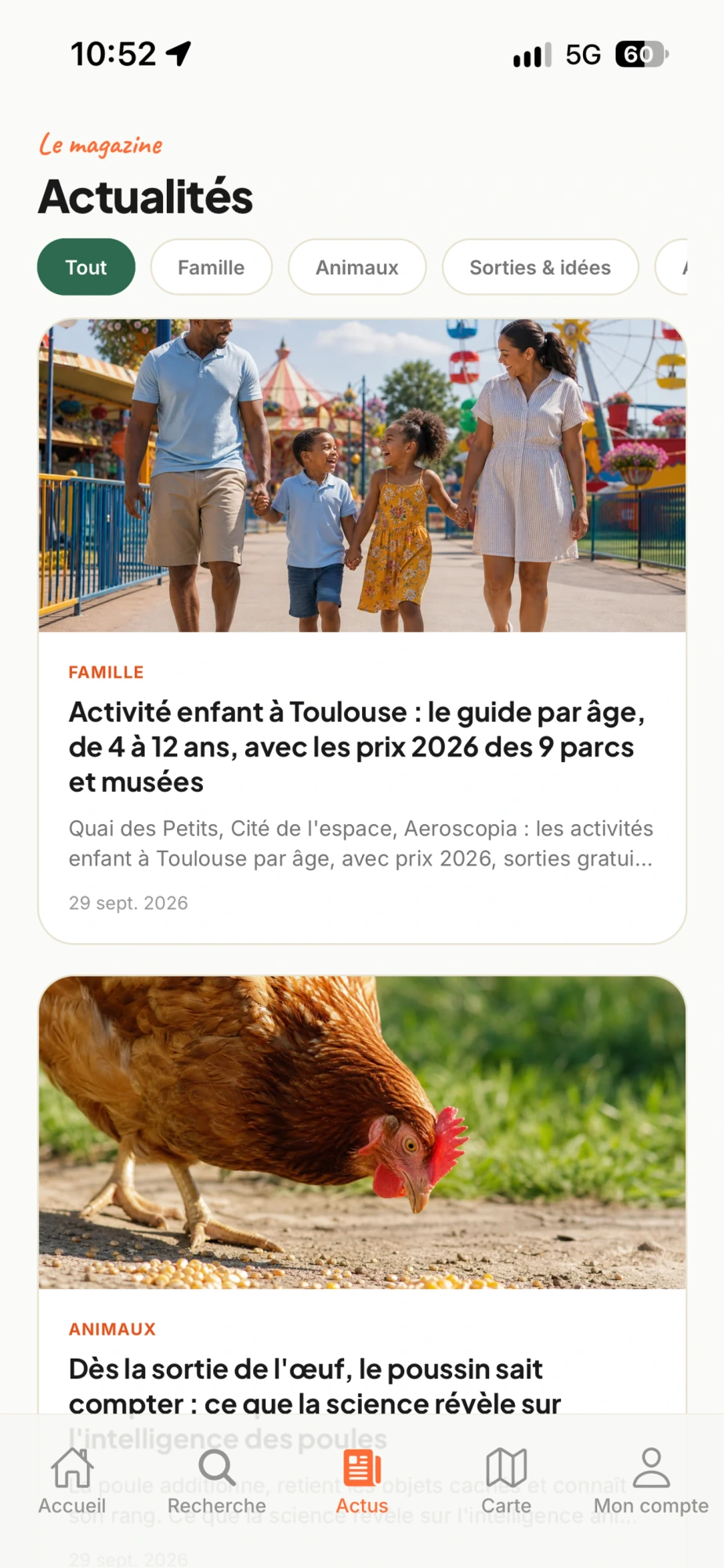
The Mag tab publishes our days-out ideas, seasonal picks and park news every week: new rides, events, openings. Enough to stay one step ahead for the following weekend.
The technical bit
On iPhone, the app requires iOS 15.1 or later and weighs 46MB. It also works on iPad, on Mac with Apple silicon, and on Apple Vision. Download links for the App Store and Google Play are at the bottom of our homepage.
This first version is as much yours as ours. Tell us what's missing, what's annoying, what saves you time: the next updates will be built from your feedback. Next step: download it, add three parks to your favourites, and your next idea-less Saturday will be sorted before breakfast.
Your questions, answered
Is the Parcs & Loisirs app free?
Yes. The app is free to download on the App Store and Google Play, and the App Store listing shows no in-app purchases. You get access, with no subscription, to 2,700 parks and activities, the nearby-search filter, detailed listings and the Mag. Only tickets you book for partner parks are paid for, at that park's own price.
Which phones does the Parcs & Loisirs app work on?
On iPhone, it requires iOS 15.1 or a later version and weighs 46MB, according to its App Store listing. It also runs on iPad, on Mac with Apple silicon, and on Apple Vision. On Android, it's available on Google Play, accessible from the bottom of our homepage.
Can I show my ticket with no connection at the park entrance?
Yes. Tickets booked in the app for partner parks remain viewable offline. Useful at the turnstiles, where the network often struggles on busy days: you open the app, you show the ticket, you go in. Just remember to open it once at home before you set off, so it's properly saved on your phone.
